How to Write Professional Documents with ChatGPT
ChatGPT can draft the document.
Publishing is the part most people skip.
Millions of people ask ChatGPT to write reports, proposals, and documentation. The draft arrives quickly. This guide covers the full workflow—from structure and prompting through review and professional export.
Writing got easy. Sharing still isn’t.
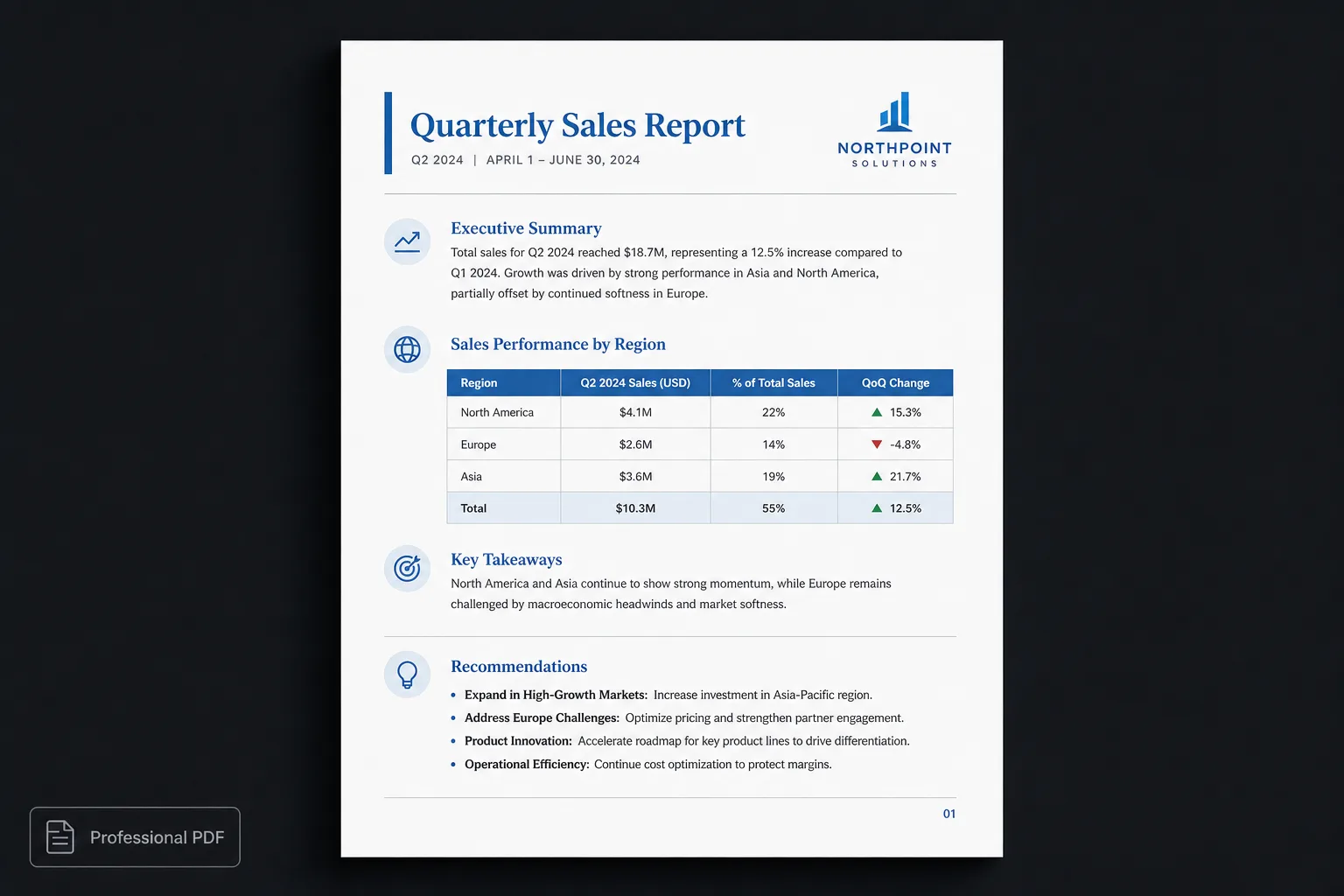
ChatGPT has become one of the fastest ways to draft reports, proposals, documentation, meeting notes, and business plans. Instead of starting with a blank page, you begin with ideas. In many cases, ChatGPT can generate a solid first draft in minutes.
The challenge isn’t writing the document. It’s turning that draft into something you’re confident sharing with clients, colleagues, or stakeholders. Professional documents need more than good content—they need clear structure, consistent presentation, and thoughtful formatting.
Start with structure, not styling
Many people open Microsoft Word and immediately begin thinking about fonts, margins, and formatting. A better approach is to ignore design until the content is complete. Focus first on questions like:
- What is the purpose of this document?
- Who is the audience?
- What decisions should the reader make?
- What sections are required?
- What information supports those sections?
Once the structure is clear, ChatGPT becomes significantly more effective.
Give ChatGPT context
The quality of the document depends heavily on the information you provide. Instead of asking:
Write me a project report.Try something like:
Write a project status report for our mobile application redesign. The audience is senior management. Include an executive summary, completed milestones, current risks, budget status and next steps. Use Markdown headings and tables where appropriate.Specific prompts produce better documents. More importantly, they produce documents with predictable structure.
Ask for Markdown
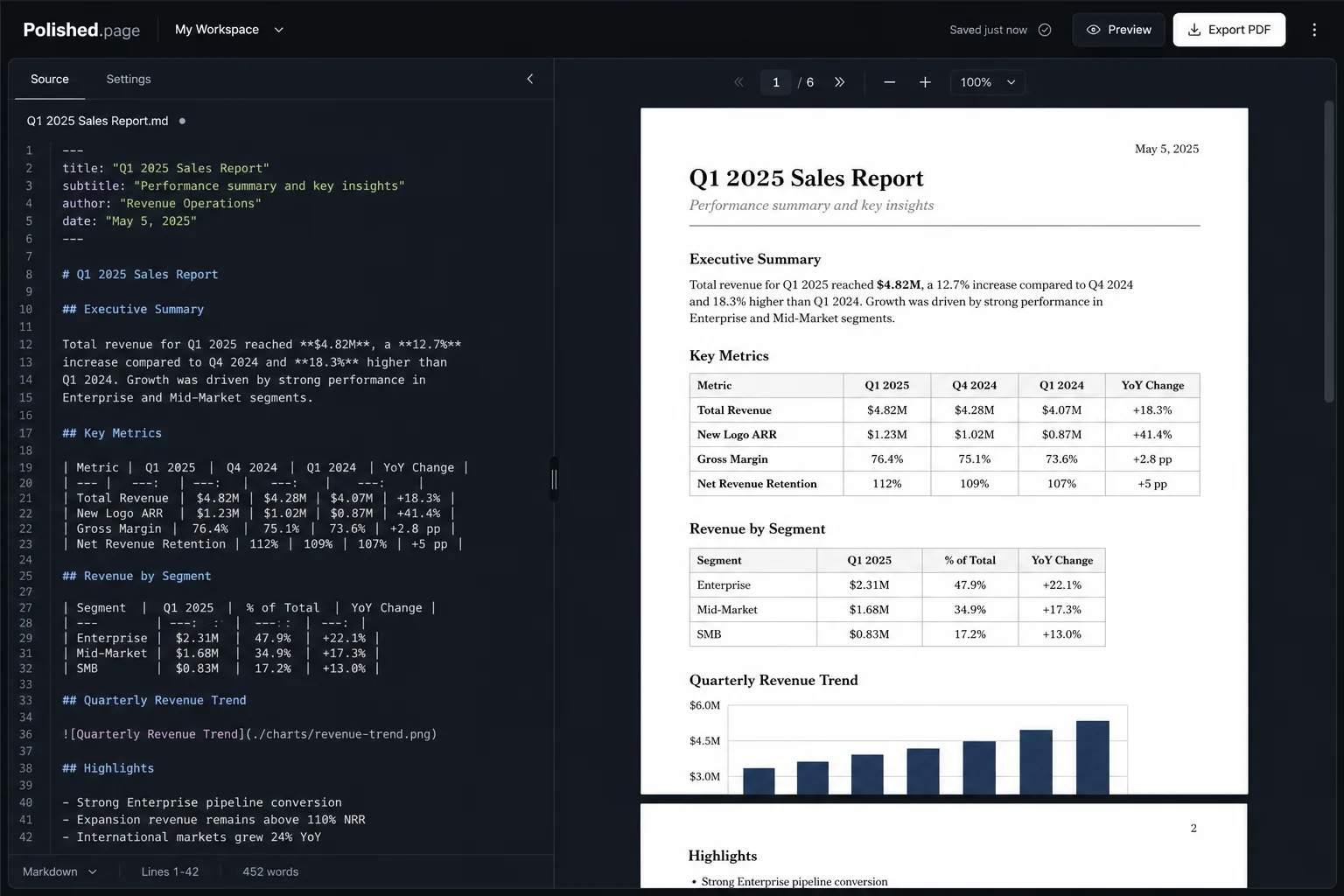
One of the simplest improvements is asking ChatGPT to generate Markdown instead of plain text. Markdown preserves document structure using headings, lists, tables, and other semantic elements. For example:
# Executive Summary
## Completed Work
## Current Risks
## Recommendations
That structure makes the document easier to edit, easier to review, and easier to publish later.
Review before you publish
AI accelerates writing, but it doesn’t replace review. Take time to verify:
- Facts
- Dates
- Names
- Numbers
- References
- Conclusions
The goal isn’t simply to generate a document quickly. The goal is to produce a document you trust.
Don’t fight formatting
After reviewing the content, many users copy everything into Word and begin fixing formatting. They adjust:
- Fonts
- Heading sizes
- Spacing
- Tables
- Images
- Page breaks
- Page numbers
For long documents, this often becomes the most time-consuming part of the workflow. Instead, treat formatting as publishing rather than editing.
A better workflow
A modern document workflow looks like this:
- Plan the document.
- Generate a draft with ChatGPT.
- Review and refine the content.
- Keep the Markdown structure.
- Apply a publication theme.
- Export a polished document.
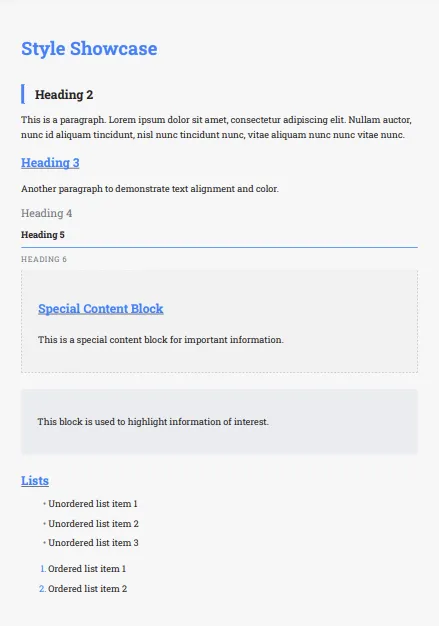
Because the presentation comes from the publication theme, the document remains visually consistent regardless of its length.
Example
The prompt above asks for a project status report. Here is a realistic Markdown draft you can open in the editor, theme, and export:
---
title: Mobile Application Redesign — Status Report
theme: 14
pageSize: letter
orientation: portrait
coverPage: true
tableOfContents: true
pageNumbers: true
---

# Mobile Application Redesign — Status Report

## Executive Summary

The redesign is on track for the Q3 stakeholder review. Core navigation and
account flows are complete. Remaining risk is concentrated in accessibility
contrast work and the final performance pass on mid-tier Android devices.

## Completed Milestones

| Milestone | Owner | Status |
| --- | --- | --- |
| Information architecture | Product | Done |
| Primary navigation | Design + Eng | Done |
| Account setup and recovery | Eng | Done |
| Search and filters | Eng | In progress |

## Current Risks

1. Contrast fixes on secondary screens may slip one sprint if design review
   stalls.
2. Cold-start targets on mid-tier Android still need a focused performance pass.
3. Stakeholder demo script is not yet aligned with the latest onboarding copy.

## Budget Status

Spend remains within the approved envelope. Contingency is reserved for the
accessibility and performance workstreams only.

## Next Steps

- Close remaining contrast issues before the demo freeze
- Finalize the stakeholder walkthrough script
- Export the themed report for leadership review
Direct editor entry point: /?example=write-document-with-chatgpt
The same status-report Markdown becomes a paginated leadership document with a cover, table of contents, styled milestones table, and page numbers—under a corporate publication theme such as Classic Blue.
One draft, multiple outputs
The same document might be shared with different audiences.
- A technical team may want detailed implementation notes.
- Executives may prefer a concise summary.
- Clients may expect a polished report.
Rather than rewriting the document each time, one structured source can be presented using different publication themes. The information stays synchronized while the presentation adapts to the audience.
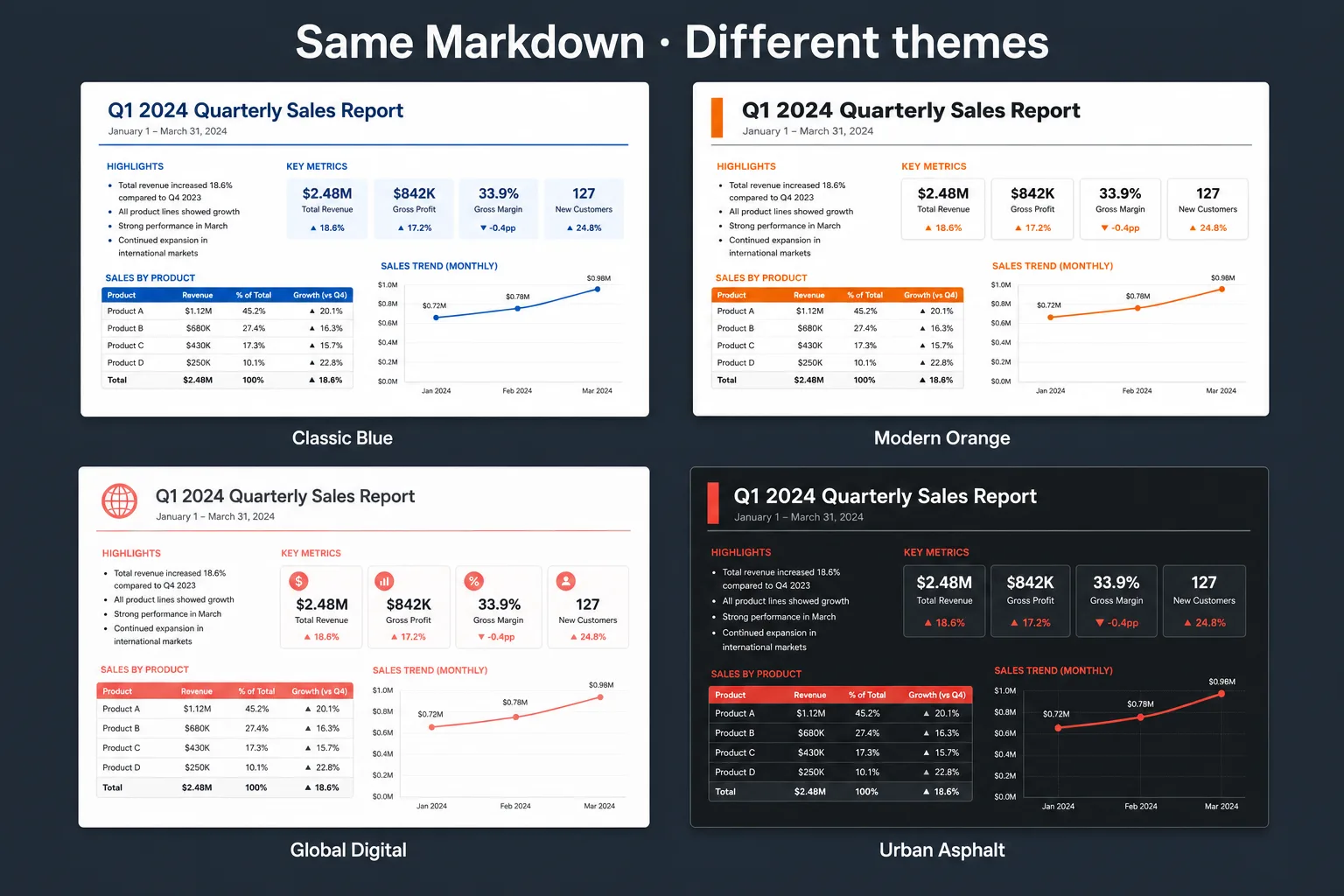
Classic Blue 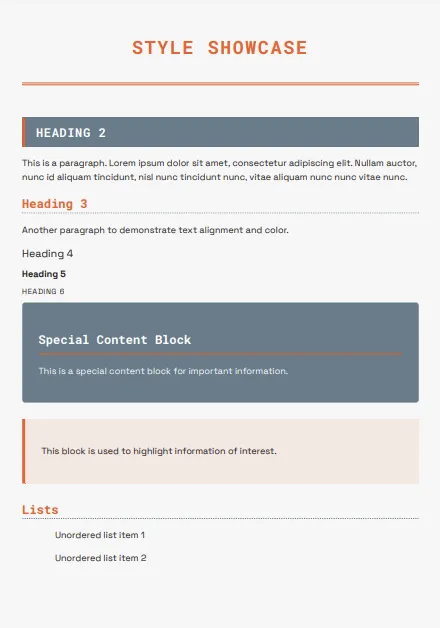
Modern Orange 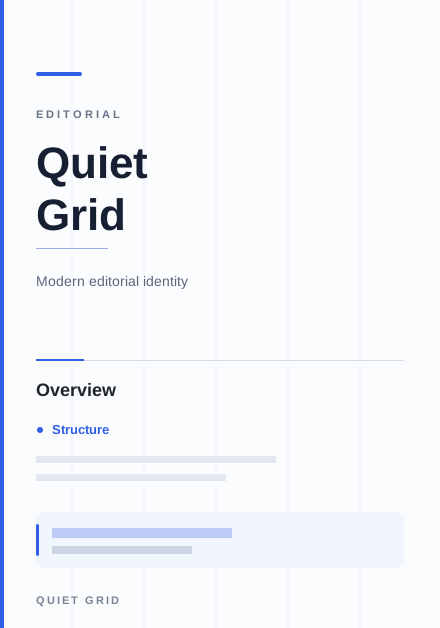
Quiet Grid 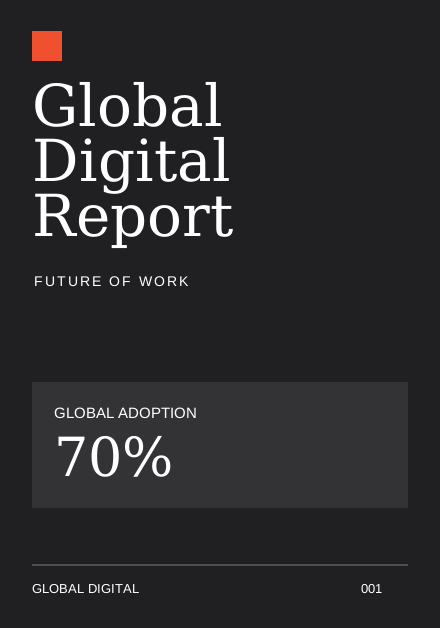
Global Digital
Why Markdown works so well with AI
Modern language models naturally understand Markdown because it clearly represents document structure. Markdown keeps content focused on meaning instead of appearance. It describes:
- Headings
- Lists
- Tables
- Quotes
- Code
- Images
- Links
Presentation can then be applied consistently during publishing.
Features that help you publish
Polished.page includes tools designed for AI-generated documents. Instead of rebuilding formatting for every document, you choose the presentation that fits your audience:
- Publication themes
- Cover pages
- Automatic table of contents
- Page numbering
- Tables
- Images
- Mermaid diagrams
- Callouts
- YAML front matter
- Live paginated preview
- Professional PDF export
Frequently asked questions
Can ChatGPT write an entire document?
Yes. ChatGPT can generate reports, proposals, documentation, meeting summaries, and many other document types. Human review is still essential before publishing—especially for facts, dates, names, and conclusions.
Should I ask ChatGPT for Markdown?
Yes. Markdown preserves structure while remaining easy to edit and compatible with modern publishing workflows. Headings, lists, and tables stay predictable instead of collapsing into plain pasted text.
Can ChatGPT create Word documents?
ChatGPT creates structured content rather than finished Word layouts. That content can then be published into professional document formats, including editable Word (.docx) and print-ready PDF.
How do I make a ChatGPT document look professional?
Review the content, keep the Markdown structure, and apply a publication theme instead of manually formatting each page. Presentation comes from the theme; your edits stay in the source.
Can I edit the document later?
Yes. Because the source remains Markdown, revisions are straightforward. After making changes, you can publish a new version without rebuilding the layout.
Is this workflow only for technical documentation?
No. It works equally well for business reports, consulting proposals, research summaries, user guides, product documentation, meeting notes, and internal knowledge bases.
Final thoughts
ChatGPT has changed the writing process. The biggest opportunity isn’t generating text faster—it’s creating a workflow that carries that text from first draft to finished publication with less friction.
By separating writing from presentation, you can spend your time improving ideas instead of adjusting formatting.
Generate with AI. Review carefully. Publish professionally.
Keep exploring
- Open the Polished.page editor
- How to format a report
- AI document formatting
- Format a ChatGPT report professionally
- Convert ChatGPT to PDF
- Convert ChatGPT Markdown to PDF
- Professional document templates
- How to make a PDF look professional
- Markdown to PDF
- Markdown to Word
- Apply a theme to an entire document
- Make a Word document look professional
- Browse publication themes
- More guides