How to Format a ChatGPT Report Professionally
ChatGPT wrote a great report.
Now it needs to look like one.
Most ChatGPT responses are structurally sound but visually unfinished. Keep the Markdown, apply a publication theme, and export a professional PDF—without spending your last hour fixing Word.
The writing finished. The document didn’t.
ChatGPT can produce a strong report in seconds—business proposals, technical documentation, project summaries, research papers, internal updates. The first draft arrives fast. The hard part starts after.
Most responses are structurally sound but visually unfinished. The content has headings, lists, and tables, yet it still lacks the presentation people expect when a document goes to clients, colleagues, or stakeholders. Formatting becomes the final—and often most frustrating—step.
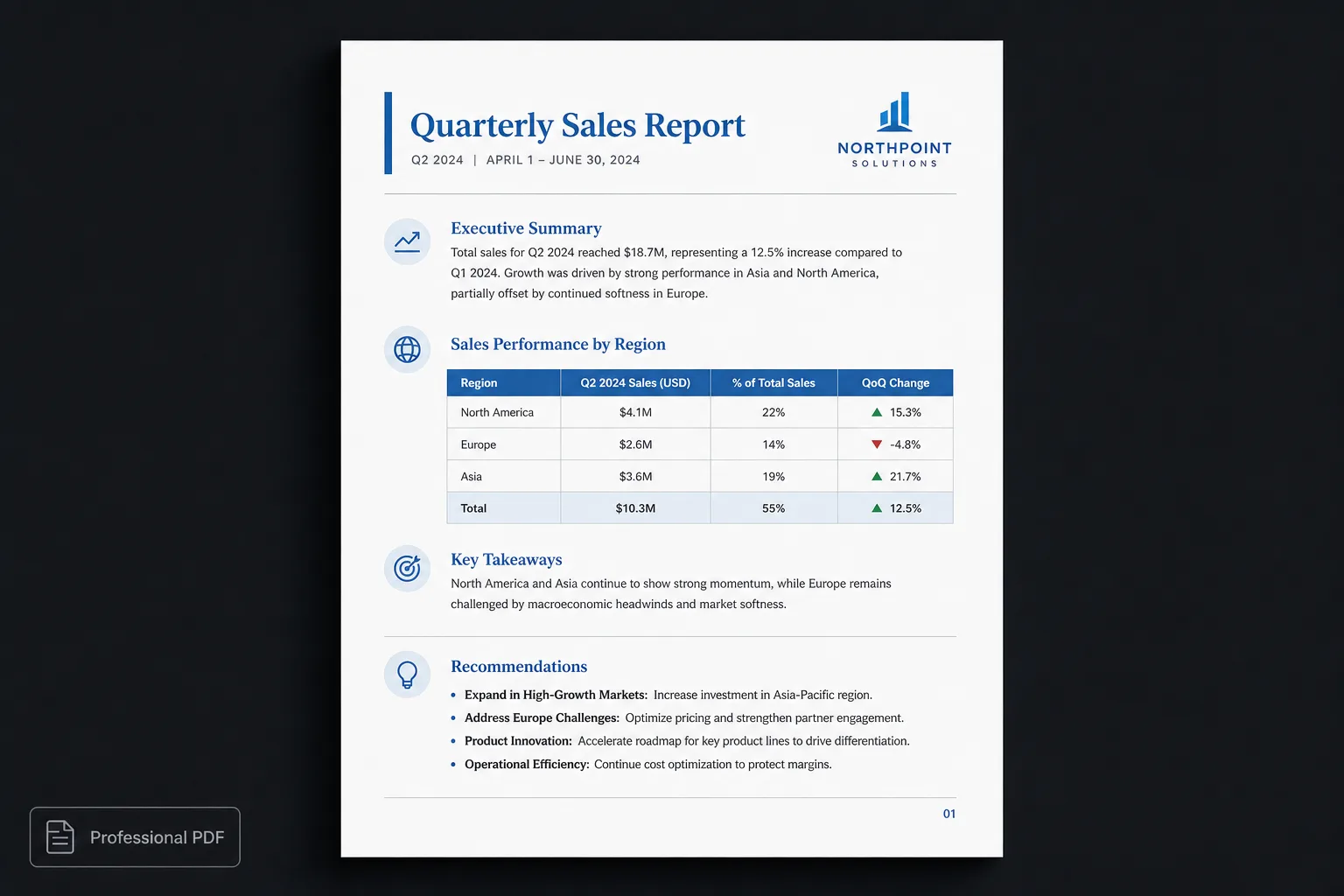
Why ChatGPT reports often look unfinished
Large language models focus on generating information, not designing documents. The report may already include:
- Clear headings
- Logical sections
- Bullet lists
- Tables
- Links
- Code examples
- Quotes
Once that content lands in a traditional word processor, people often spend significant time:
- Adjusting fonts
- Fixing spacing
- Rebuilding tables
- Resizing images
- Moving page breaks
- Creating a title page
- Generating a table of contents
- Exporting a PDF
Polishing the report can take nearly as long as generating it.
| Word / Docs cleanup | Polished.page |
|---|---|
| Paste into Word | Paste Markdown |
| Rebuild fonts and spacing | Publication theme |
| Restyle every table | One table style |
| Hand-build a cover and TOC | Cover + TOC options |
| Chase page breaks | Intelligent pagination |
| Export after cleanup | Export polished PDF |
The goal isn’t better writing
Most users are already happy with ChatGPT’s writing. What they want is a report that looks professionally produced:
- Consistent typography
- Clear visual hierarchy
- Balanced spacing
- Professional tables
- Attractive cover page
- Automatic page numbers
- Clean section breaks
- A layout that feels intentional
Presentation shapes how readers judge the work long before they finish the first paragraph.
Stop formatting. Start publishing.
Instead of fixing the appearance of every report by hand, keep the structured Markdown ChatGPT produced and apply a publication theme. Content and presentation stay separate. The report is written once. The appearance can change at any time.
With Polished.page the workflow is short:
- Generate the report with ChatGPT.
- Copy the Markdown.
- Paste it into Polished.page.
- Select a publication theme.
- Export a professional PDF.
No rebuilding. No repeated formatting. No fixing every heading by hand.
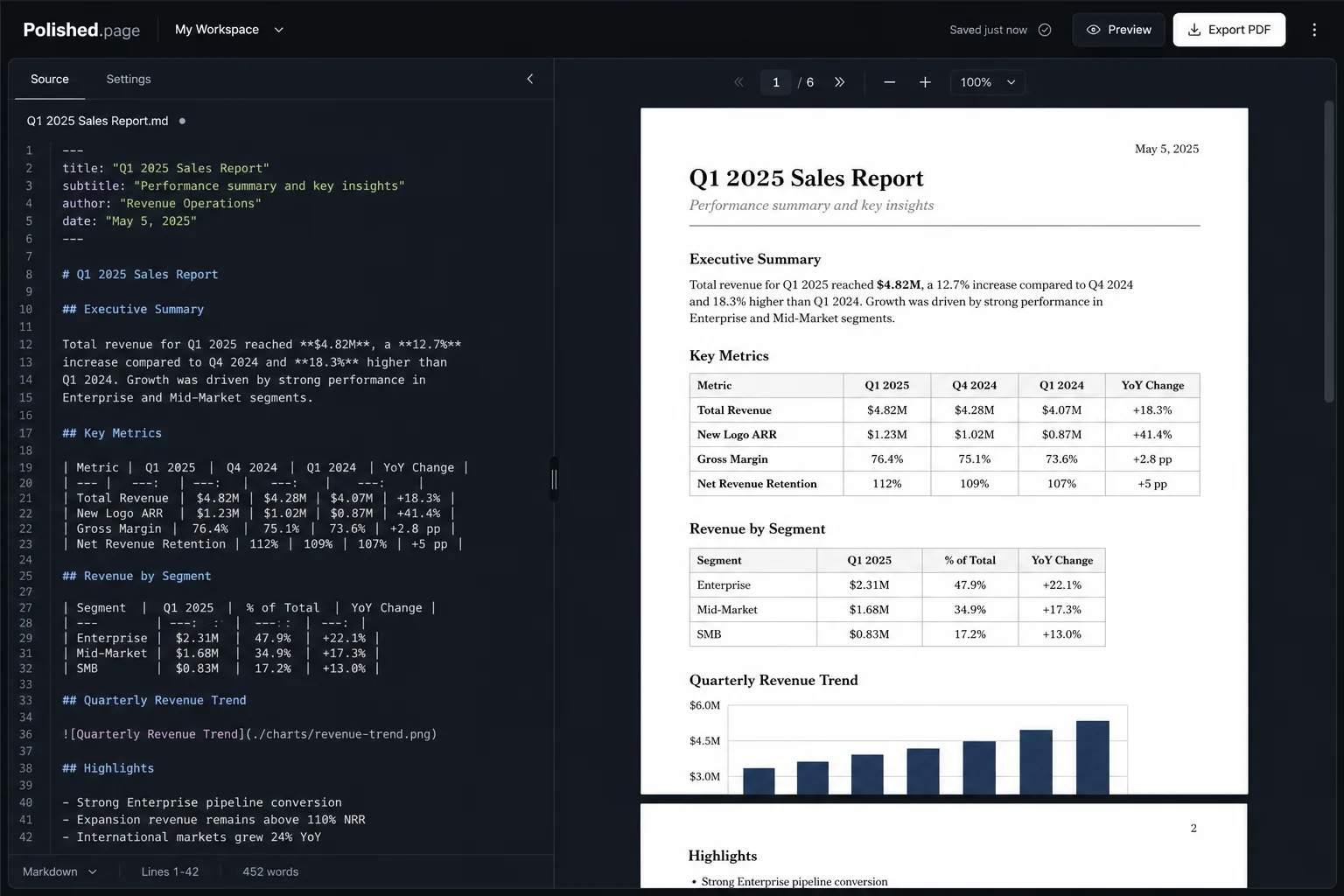
Example
Suppose ChatGPT generates a mobile application audit. That same Markdown can become:
- An executive business report
- A technical review
- A client presentation
- Internal documentation
…without changing a single word of the findings.
---
title: Mobile Application Audit
theme: 14
pageSize: letter
orientation: portrait
coverPage: true
tableOfContents: true
pageNumbers: true
---

# Mobile Application Audit

## Executive Summary

The application performs well overall, but several usability improvements were
identified during the review. Navigation is mostly clear, yet a few patterns
still slow new users down. Contrast and onboarding are the highest-priority
fixes before the next feature release.

## Key Findings

| Area | Severity | Summary |
| --- | --- | --- |
| Navigation | Medium | Labels and destinations are inconsistent across tabs |
| Contrast | High | Several screens fail basic readability checks |
| Onboarding | High | First-run guidance is missing for core flows |
| Performance | Low | Cold start is acceptable on recent devices |

## Recommendations

1. Prioritize accessibility improvements before introducing new features.
2. Align navigation labels with the primary user tasks identified in testing.
3. Add a short first-run guide covering search, account setup, and export.

## Review Flow

```mermaid
flowchart LR
  A[ChatGPT report] --> B[Markdown source]
  B --> C[Publication theme]
  C --> D[Client-ready PDF]
```

## Next Steps

- Share the draft with product and design for severity confirmation
- Schedule a follow-up pass after the contrast fixes land
- Re-export the themed report for the stakeholder review
Direct editor entry point: /?example=chatgpt-report-formatting
The same mobile-audit Markdown becomes a paginated client report with a cover, table of contents, styled findings table, Mermaid review flow, and page numbers—under a corporate publication theme such as Classic Blue.
Why Markdown works so well
Markdown describes the structure of information rather than its appearance. Instead of choosing fonts and colours while writing, you describe headings, lists, tables, images, quotes, and code blocks. The publication theme decides how each element should look.
That keeps every document visually consistent regardless of length—and it fits AI drafts, because ChatGPT, Claude, Gemini, and many coding assistants already generate Markdown. Structured text is the bridge between AI-generated content and professional publishing.
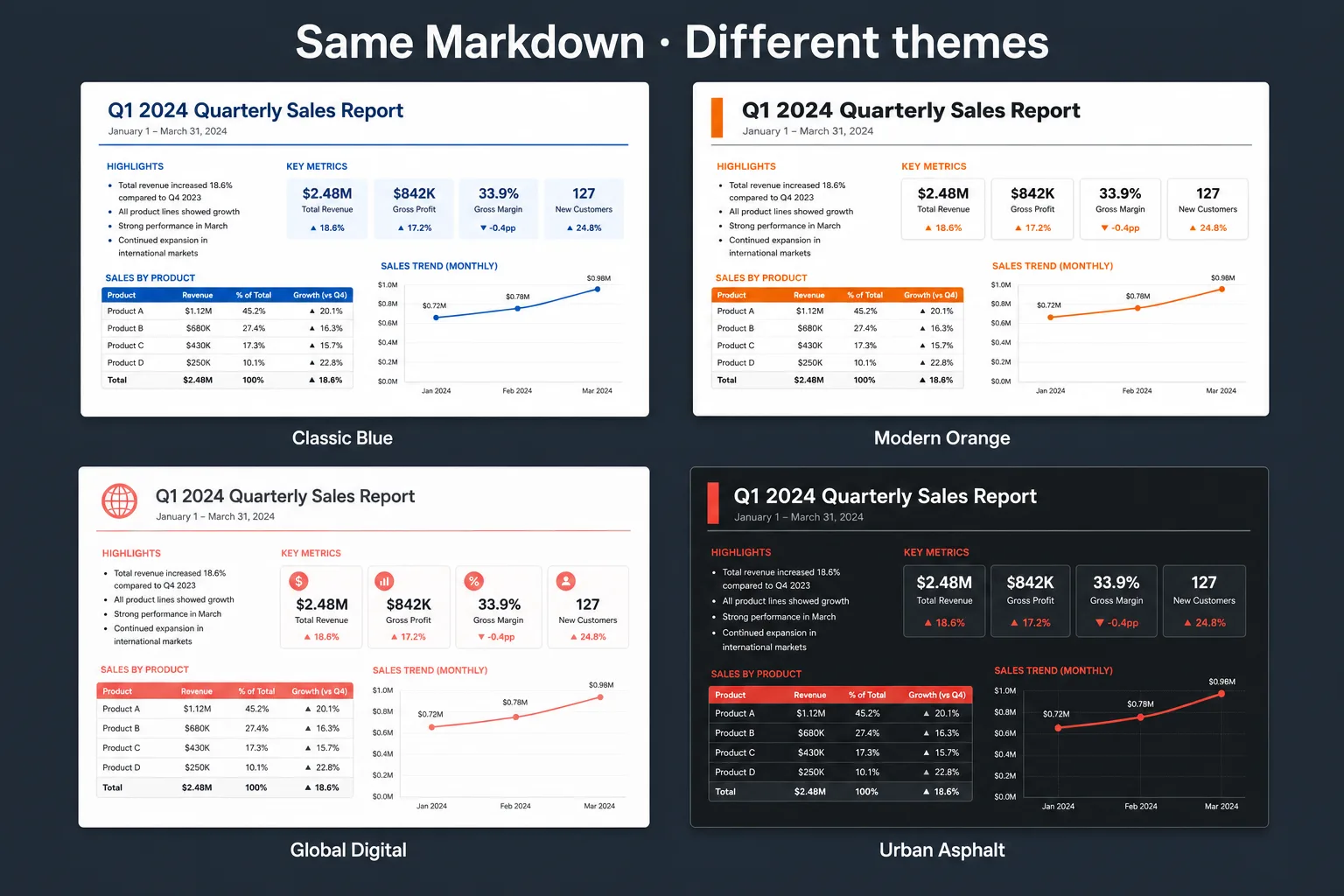
Classic Blue 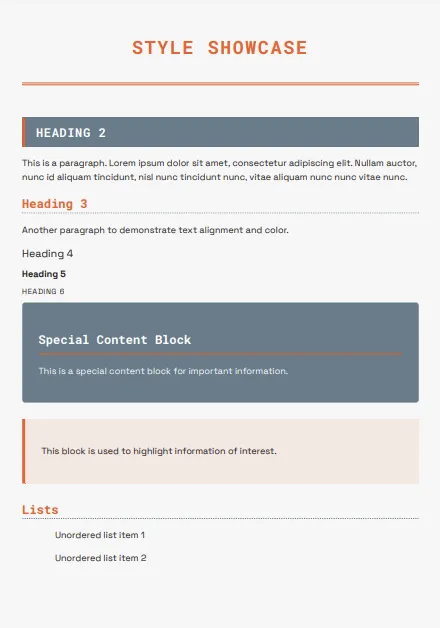
Modern Orange 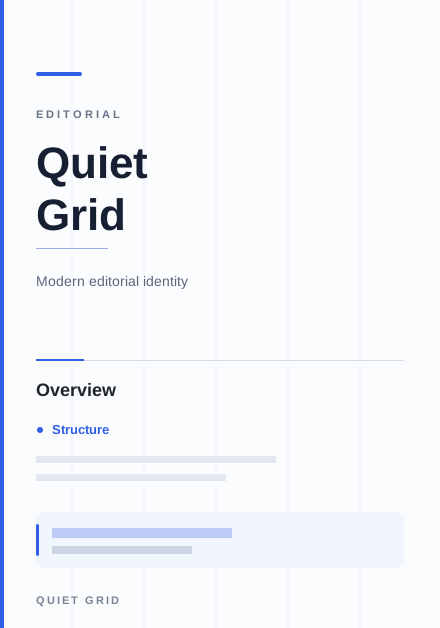
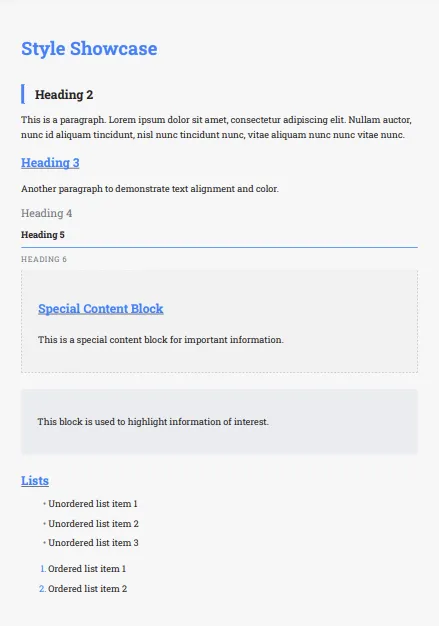
Quiet Grid 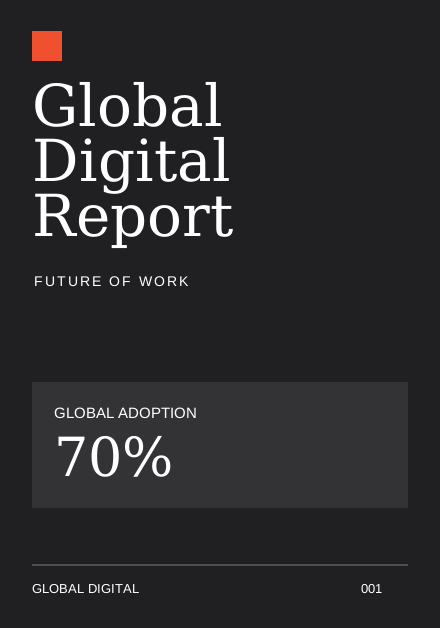
Global Digital
What makes a report look professional?
Professional reports rarely depend on elaborate graphics. They rely on consistency. Readers notice:
- Balanced typography
- Consistent spacing
- Predictable heading hierarchy
- Readable tables
- Clean page layouts
- Logical page breaks
- Appropriate whitespace
Those details improve readability without distracting from the content itself.
Features designed for report publishing
Polished.page includes tools built for long-form documents. Because formatting is handled by the publication theme, the report stays consistent from beginning to end:
- Publication themes
- Cover pages
- Automatic table of contents
- Page numbering
- Tables
- Images
- Mermaid diagrams
- Callouts
- Procedures
- YAML front matter
- Live paginated preview
- Professional PDF export
Frequently asked questions
Can ChatGPT format reports?
ChatGPT can generate well-structured reports, but visual formatting is intentionally limited. A dedicated publishing tool can apply professional typography, layout, and document themes without rebuilding every page by hand.
How do I make a ChatGPT report look professional?
Keep the structured Markdown produced by ChatGPT and apply a publication theme rather than manually formatting every page in a word processor. Structure stays in the source; presentation comes from the theme.
Can I edit the report after importing it?
Yes. The Markdown remains editable, so you can revise findings, recommendations, and tables before exporting a new version under the same theme—or a different one.
Does this only work with ChatGPT?
No. Any AI assistant that produces Markdown—including Claude, Gemini, Cursor, and Codex—can feed the same workflow. If you can copy structured text, you can theme and export it.
Can I create reports for clients?
Yes. Publication themes are designed for client-ready documents: consulting reports, technical documentation, proposals, and other business communication that needs to look intentional.
Is my report uploaded?
By default, documents remain in your browser. You can edit and export locally without uploading the report to a remote server for ordinary local editing.
Final thoughts
Artificial intelligence has changed how quickly reports can be written. Presentation is still the remaining bottleneck. Instead of spending your final hour adjusting fonts, fixing page breaks, and aligning tables, treat formatting as a publishing step—not an editing task.
Write with AI. Publish with a theme.
Review the content. Choose a publication theme. Export a report that looks as professional as the ideas inside it.
Keep exploring
- Open the Polished.page editor
- How to format a report
- AI document formatting
- Write professional documents with ChatGPT
- Convert ChatGPT to PDF
- Convert ChatGPT Markdown to PDF
- Markdown to Word
- Make a Word document look professional
- Apply a theme to an entire document
- Professional document templates
- Browse publication themes
- More guides